Does It Hold Up?
The craft question every designer should ask about AI-assisted code. Does the output meet a professional quality bar — and what determines whether it does?
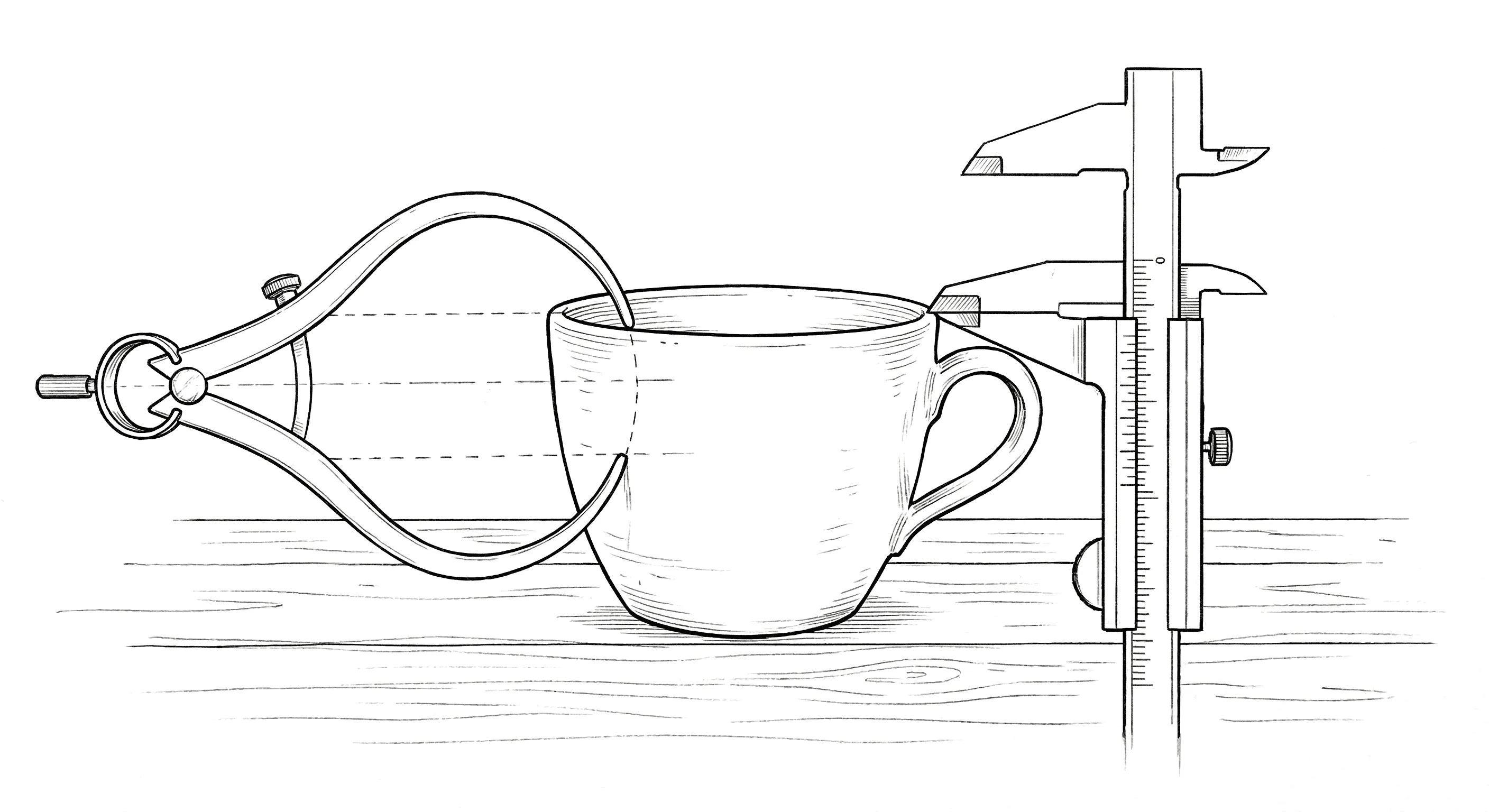
I knew this question was coming.
It’s a fair one, too. If AI can generate a working interface from a description, can you produce something that meets professional standards? Does the code hold up? Can you build something with the attention to detail that separates considered work from it works, ship it?
My answer is yes, with an important qualification: it depends on what you bring to the process and what you’re willing to accept.
The First Result Is a Starting Point
The code AI generates is often competent. The structure is reasonable, the components are there, and the responsive behavior might work well enough. The fundamentals are frequently handled correctly. But if you accept the first result, you’ll often end up with something that feels strangely anonymous.
Think of a hotel room. Everything you need is there, nothing is technically wrong, and yet there’s nothing particularly memorable about it. That’s usually what happens when an interface is generated from a description and nobody spends much time directing the result. It works, but it hasn’t necessarily been designed.
This is where my experience with both design and code makes a difference. I don’t just look at the browser and ask whether the interface feels right. I look at the implementation, too. The two views tell me different things.
Looking at the Interface and the Code
In the browser, I’m looking for the things I’d expect any experienced designer to notice. Is the spacing systematic? Does the visual hierarchy make sense? Do the hover states feel intentional? Is the motion helping communicate what’s happening? Does the empty state feel designed, or does it look like somebody filled an otherwise blank area with a sentence?
Then I look underneath. Are the values tokenized, or are there dozens of slightly different shades of gray hardcoded throughout the stylesheet? Are the selectors reasonable? Is the layout using the right tool? Is responsive behavior handled in CSS where it belongs? Is the markup accessible? And, of course, did we create a three-level flexbox nesting problem to avoid using Grid?
These questions aren’t separate stages in my process anymore. I can move between the interface and the implementation as I review the result. I’ll notice that a card feels too heavy and recognize that the shadow is doing most of the damage. I’ll see a layout break at a particular width and have a reasonable idea whether the problem is min-width, flex-shrink, an incorrect breakpoint, or something else.
That makes the correction more precise because I’m not trying to translate a visual observation into a technical description for someone else to interpret. I can address the problem directly.
Be Specific About What Needs to Change
There’s a practical difference between saying make the card feel lighter and knowing what to change to get there. Sometimes the first instruction is exactly where you should start. It describes the problem without prematurely deciding on the solution.
After looking at the result, I might give a more specific instruction:
Reduce the shadow blur to 8px, spread to 1px, and use the secondary elevation token. On hover, move to the higher elevation with a 200ms ease-out transition. Put the values in the elevation system rather than hardcoding them.
That instruction combines design intent with implementation detail. It describes the visual adjustment, specifies the behavior, and makes clear how the values should be managed in the codebase.
The same approach works with motion. If a transition feels wrong, I can identify the timing, easing, transform, and opacity behavior rather than describing a feeling and hoping it gets interpreted correctly.
The important part is knowing when to work at each level. Sometimes the right instruction is conceptual. Sometimes it’s technical. Often, it’s a conversation that moves between the two until the result is right.
AI doesn’t automatically know what good motion looks like or what makes a layout feel balanced. My job is to recognize when the output isn’t working, understand why, and direct the correction.
Craft Goes Beyond the Pixels
Visual polish gets a lot of attention, but the same standard needs to apply to behavior. A loading state should communicate what’s happening. An error should help the user recover. A form should behave predictably. An empty state should explain what the user can do next.
These details are easy to miss when a design moves through a handoff because they’re often decisions the designer has made mentally without fully documenting them. Working directly in the implementation gives me a chance to evaluate those details where they actually live.
I can notice a two-pixel layout shift in the browser, inspect the CSS, and find out what’s causing it. I can test a form with an invalid value rather than assuming the validation will behave as intended. I can resize the interface and see what happens at widths that weren’t represented in the original design. I don’t have to wait for a QA cycle to discover every one of these problems.
That doesn’t mean QA becomes unnecessary. It means more of the review happens while I’m still making design and implementation decisions, when the cost of fixing something is usually lower. The result is a tighter feedback loop and a better opportunity to catch the details that separate a finished product from a convincing demonstration.
Where I Still Want an Engineer
Does this mean AI replaces experienced engineers? No.
There are areas where I still want specialist expertise: complex state management at scale, deep performance work, serious accessibility audits, infrastructure, DevOps, and other areas where experience and technical depth matter. Understanding enough code to direct an implementation isn’t the same as having deep expertise in every part of software engineering. I don’t think pretending otherwise helps anyone.
What changes is the starting point for collaboration. Instead of handing an engineer a design and asking them to interpret it, I can hand over a working frontend and ask them to optimize, harden, and extend it. The engineer has something concrete to inspect and improve. The visual intent is already visible in the implementation, and the basic interaction model can be evaluated rather than inferred from a static screen.
That can be a much more productive way to work together. It also makes the division of responsibility clearer. I can take ownership of more of the design and frontend implementation while recognizing when a problem needs someone with deeper engineering expertise.
The Standard Is Still Yours
Ultimately, the tool produces what you accept.
If you don’t know good CSS, you’ll be more likely to accept mediocre CSS. If you can’t evaluate responsive behavior, you might ship layouts that technically work but feel careless. If you don’t understand motion, you’re more likely to settle for whatever animation the tool generates by default.
AI doesn’t remove the need for taste or technical judgment. It gives those skills more influence over the finished result.
The same is true of the design itself. A technically sound implementation can still have weak hierarchy, inconsistent spacing, or no particular character. Good code doesn’t automatically produce good design, just as a beautiful mockup doesn’t automatically produce a good product.
The advantage of working this way is that I can evaluate both while the thing is being built. I can make a visual decision, inspect the implementation, and check the result in the browser without waiting for the next stage of the process. That doesn’t guarantee quality. It gives me a more direct way to pursue it.
And that’s the question I keep coming back to: not whether AI can generate code, but whether the person directing it knows what good work looks like and can tell when the result falls short.
Part 5 of the Hands-On series.