EZE Shoring
A field app for the EZE composite trench shoring system. A crew enters the depth, length and width of a trench and gets every part to load, with quantities and total weight. It runs on iPhone and Android in six languages, and Pacific Shoring's staff update its news and guides from a web console.
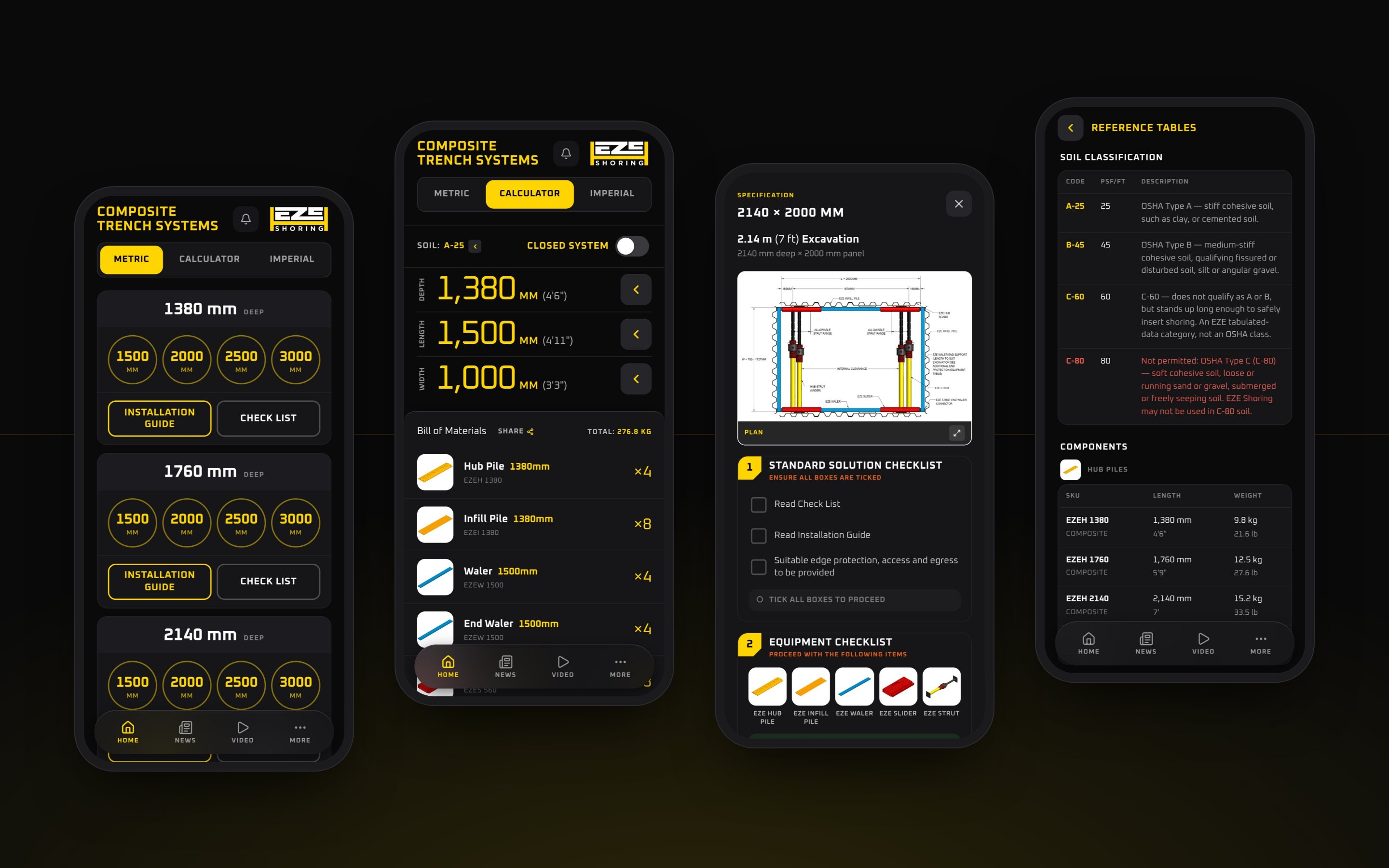
A guide that helps with the whole job
Pacific Shoring Products makes EZE, a composite trench shoring system. Dealers and crews use the EZE app to find each trench depth and panel length and open its installation guide and check list.
Dealers know that layout well, so I kept it and built the new features around it. The update adds a calculator that tells a crew what to load on the truck for a trench.
The app runs on iPhone and Android in six languages, with news, push notifications and a web console that keeps the content current.
Made to read at arm’s length
The app is for crews standing next to a trench, often in bright sun. I set it on a dark canvas with the EZE yellow for anything you can tap or need to read at a glance, and sized the type and tap targets so a dimension reads from arm’s length.
-
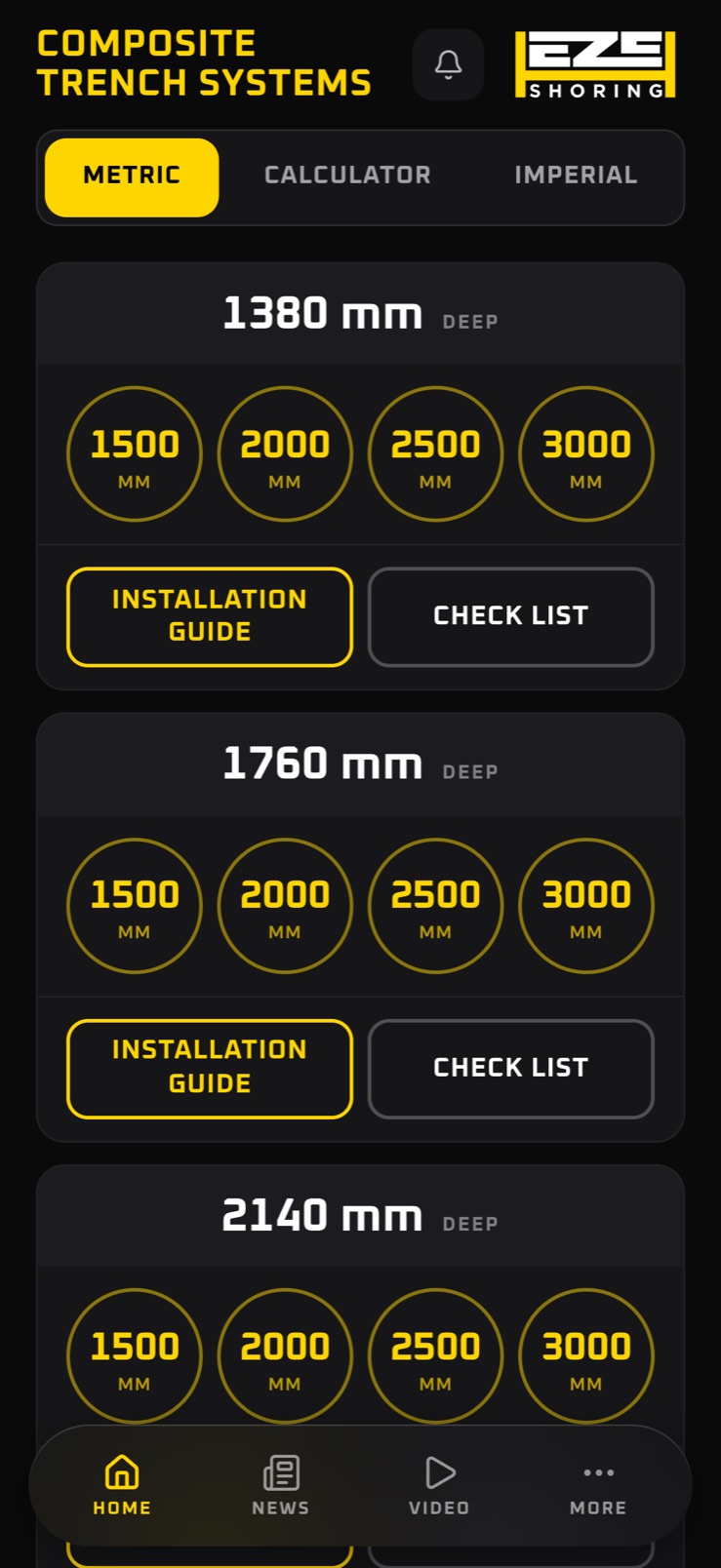
01 Home Metric and Imperial each show four depth bands with four lengths in each. The guide and check list are one tap away. -
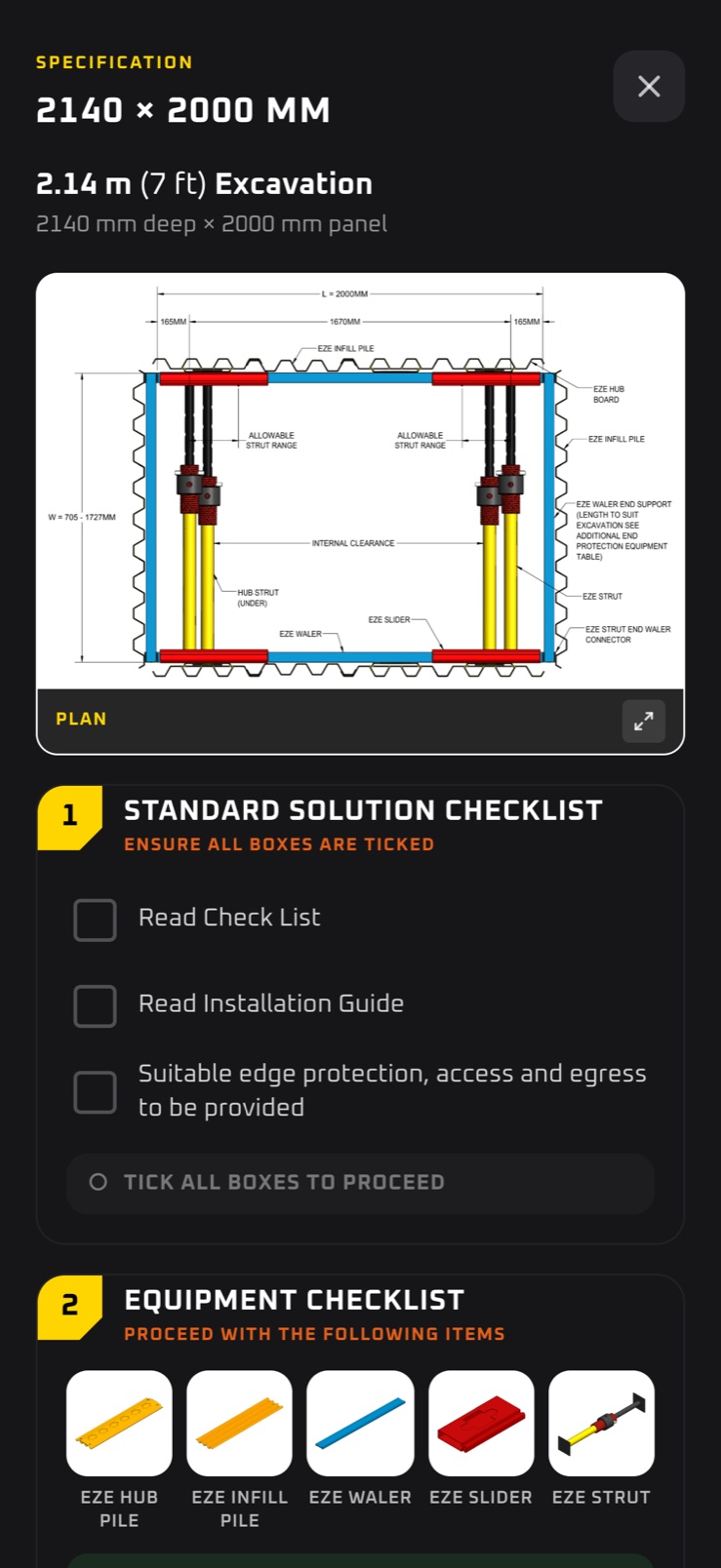
02 Specification Each depth and length opens its own sheet: the plan drawing, a checklist to tick, and the parts to bring. -
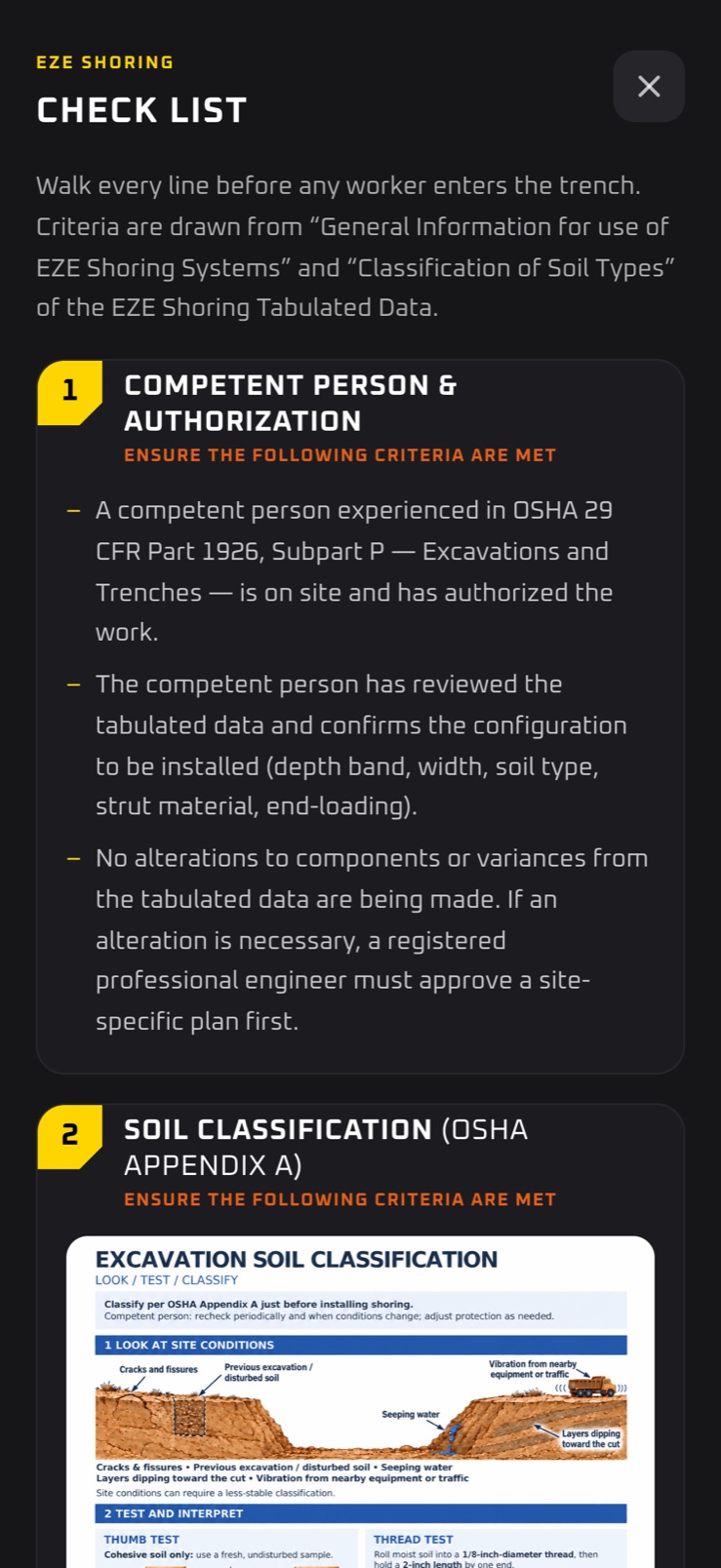
03 Check list The pre-dig checks in order, for the competent person on site. -
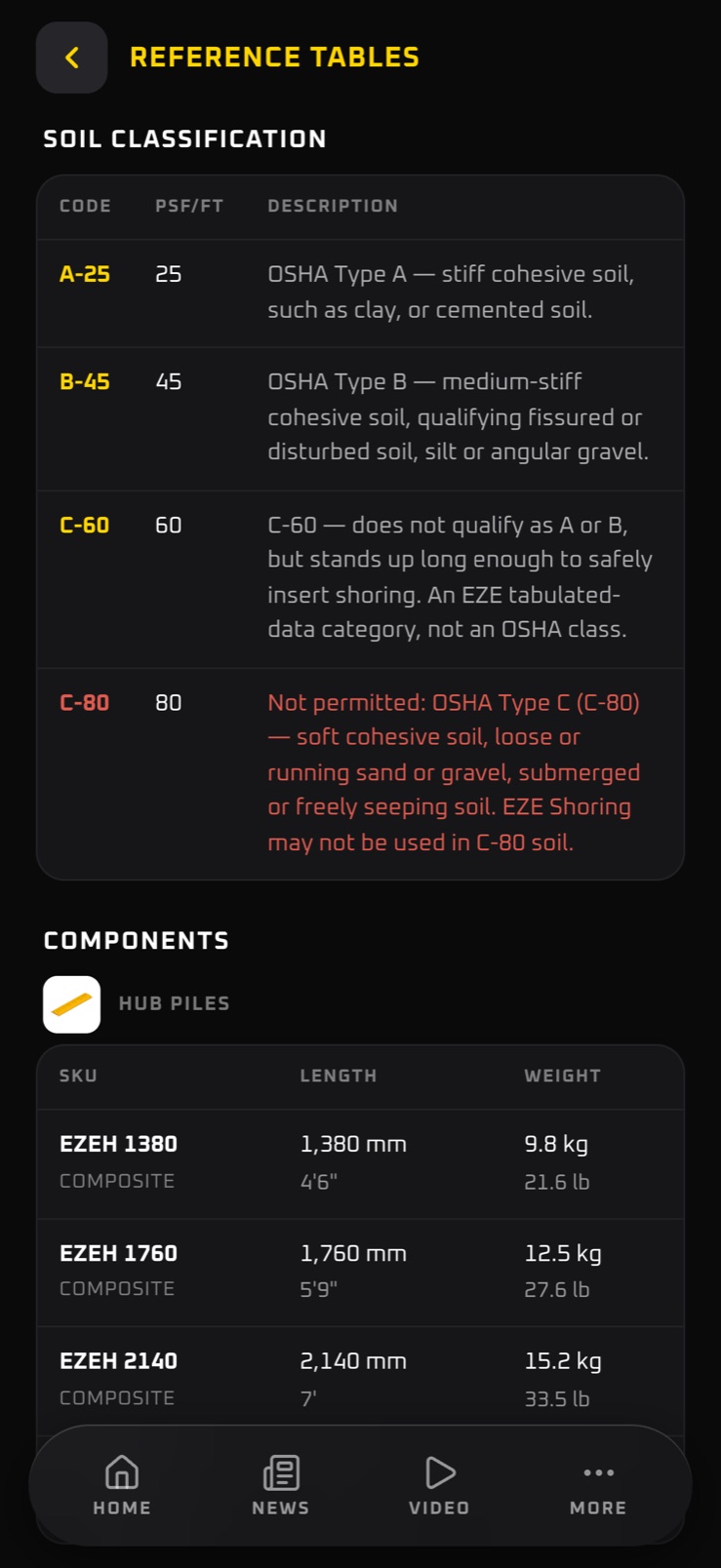
04 Reference tables Soil classes and every component’s length and weight, in both metric and imperial.
The app counts the parts
Calculator mode is the new part. You set the depth, length and width, choose the soil type and whether the trench is open or closed at the ends, and the app lists every component with its quantity and the total weight. Share sends that list by text or email.
Every quantity and weight comes from the EZE engineering data.
I wanted a change to read like a gauge settling, so each number rolls to its new value over about a second, and new rows in the list come in one after another. The replay below runs on the app’s own timing, and every figure in it is one the app produces for those inputs.

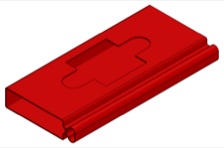
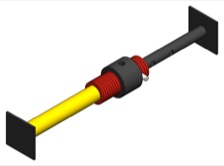
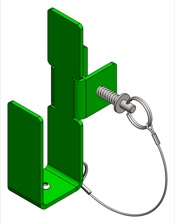
- 01
Length to 6,000 mm650.5 kg
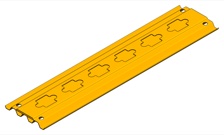
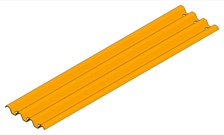
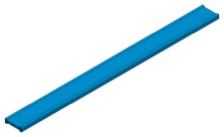
A longer trench needs more of nearly everything. Piles, sliders and struts go up, and the walers switch to the 3,000 mm size.
- 02
Depth to 2,140 mm785.5 kg
The counts stay the same. Both piles swap to the 2,140 mm length, which adds the weight.
- 03
Width to 1,500 mm801.5 kg
The struts change from ST2 to the longer ST3. That row sits below the fold, so the list slides up over the dimensions to show it.
- 04
Back to the start276.8 kg
Depth, length and width return one at a time to 1,380 by 1,500 by 1,000 mm, and the loop begins again.
Staff edit the words, and the app keeps the numbers
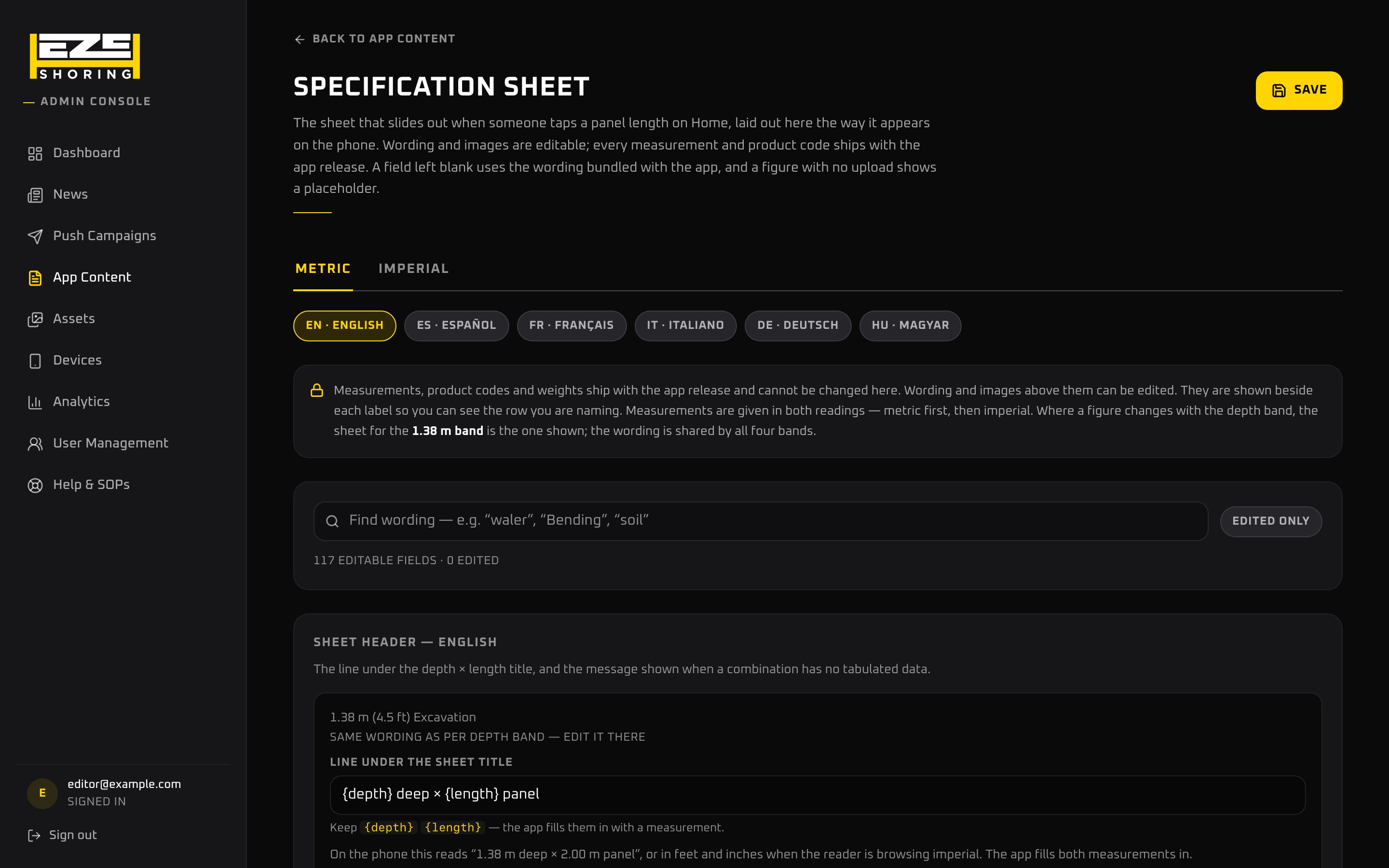
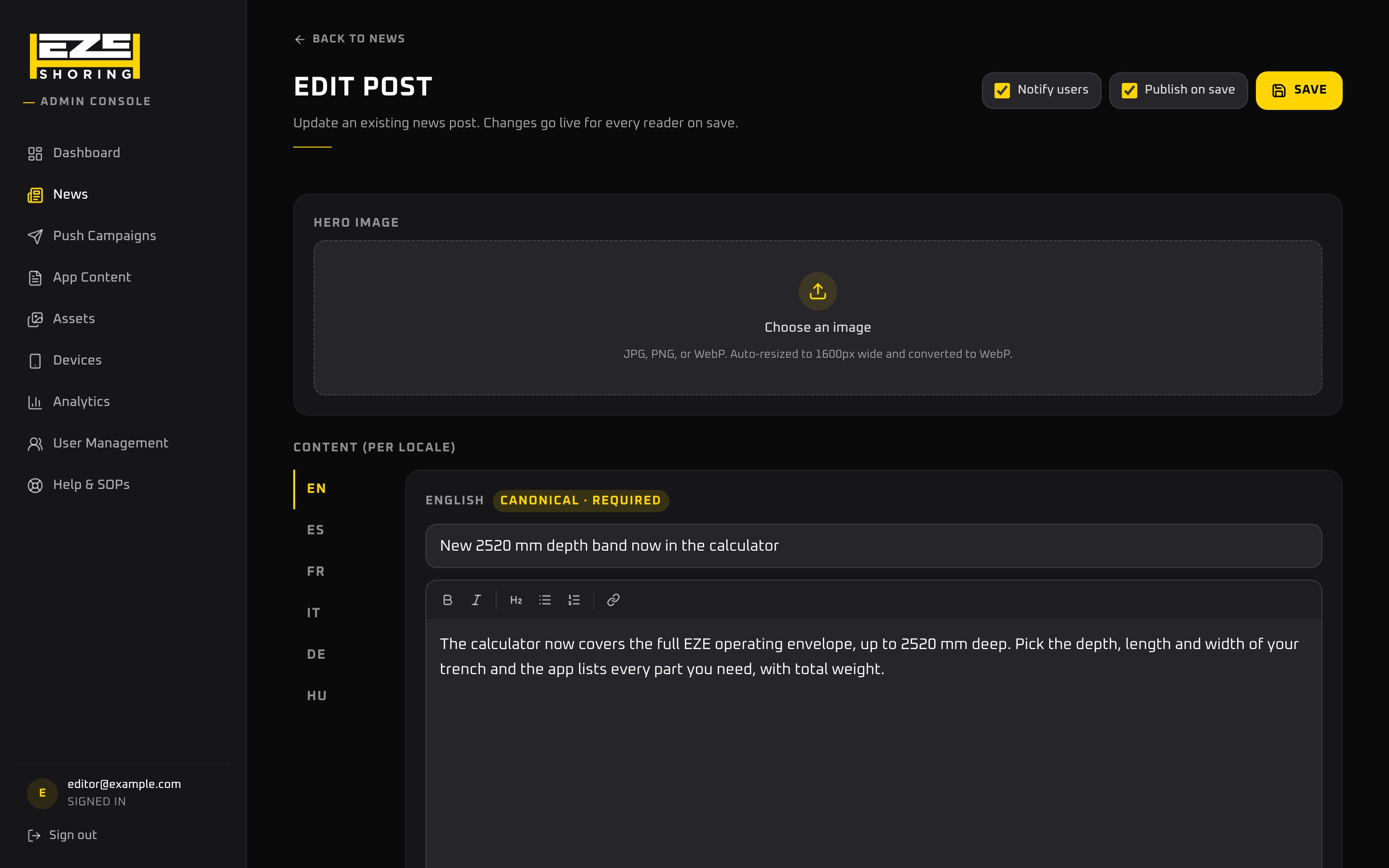
Staff run the app from a web console. They post news, send push notifications, and edit the text and images of the guides, check lists and specification sheets in all six languages.
The app carries the measurements, product codes and weights itself, and each release checks them against the system’s rated limits. Changing a number takes a new release. Changing the wording takes a save.
Built for crews in the field and staff in the office
- One app, both stores
- One app serves iPhone and Android, so each fix or new feature reaches both in the same update.
- Checked figures
- Each release checks every product figure against its rated limits, so crews see only figures inside them.
- Six languages
- The app opens in the phone’s language: English, Spanish, French, Italian, German or Hungarian. A crew member can switch languages in More.
- Staff keep it current
- Staff post news and edit the guides from a web console, and a save publishes the change. New editors join with an invite code, so the team decides who can publish.
- Protected content
- The app shows only published content. Only signed-in editors can change content or send push notifications.
- Works without signal
- News and guides download over Wi-Fi and stay on the phone, so they open on a job site with no signal. A short vibration confirms each pick in the calculator.
Live on both stores
EZE Shoring is available on the App Store and Google Play.
Explore